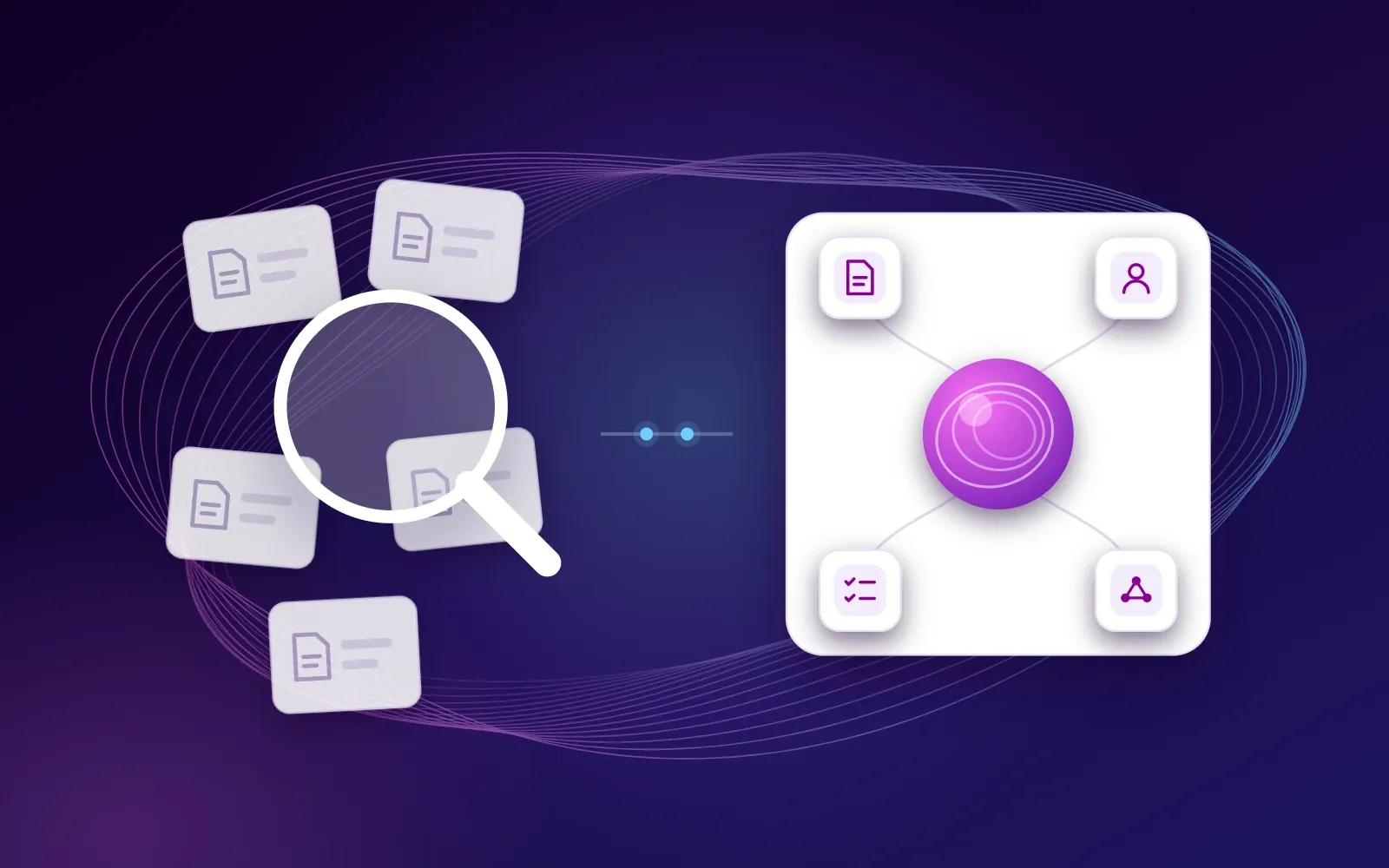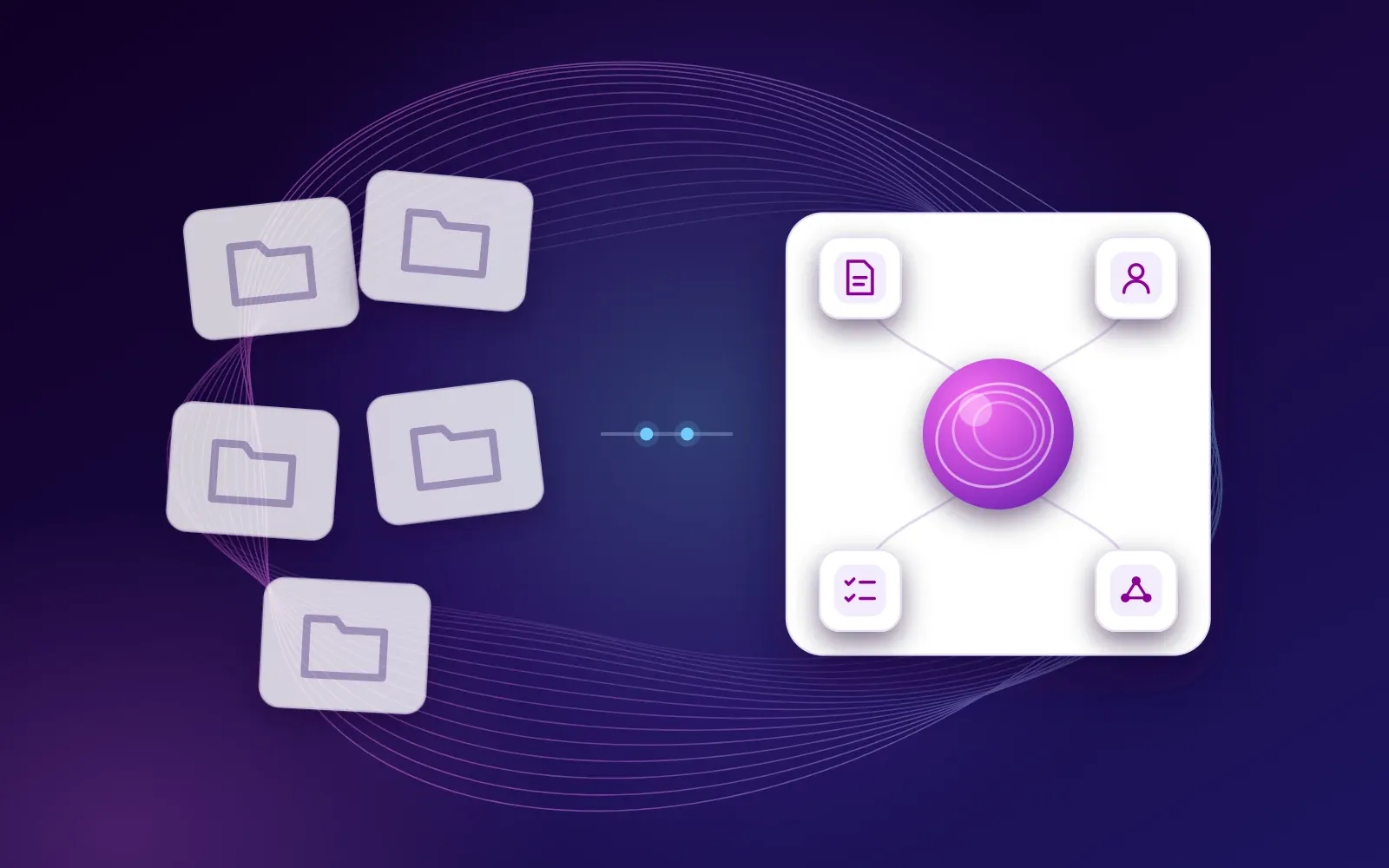
The licences are signed, Copilot is switched on in Outlook, Teams and Word. Early feedback is positive: emails get summarised faster, meetings get written up faster. Then someone asks how a complaint from a particular customer should be handled. The answer sounds convincing and rests on a policy that stopped applying three years ago.
That is not Copilot’s fault. It is down to what Copilot has to work with. This article looks at what Copilot does well in a large organisation, where a rollout hits its limits and what to do before and after go-live. Whether Copilot or a custom AI is the better choice is covered in Microsoft Copilot vs. custom enterprise AI. This piece assumes the decision for Copilot has been made.
What Copilot does well, and why rollouts stall
For document work the benefit shows up quickly: summarising, drafting, structuring and analysing, right inside the applications people already use. Permissions come from the existing model, and nobody has to open a separate portal.
Rollouts rarely stall on the technology. 95 percent of AI pilots show no measurable ROI (MIT NANDA, 2025). With Copilot the pattern often looks like this: usage climbs in the first weeks, then levels off. As soon as a question goes beyond a single document, people go back to messaging the colleague who knows.
Copilot answers from your files
Copilot searches the content a person can access: files in SharePoint and OneDrive, messages and meetings in Teams, email in Outlook. Whatever is current, unambiguous and well filed there, it finds reliably.
So answer quality is tied to the state of your repositories. In most large organisations that state has grown over years: project folders nobody touched after the project closed, copies of copies, drafts sitting next to approved versions. For people that was a nuisance. For Copilot it is the basis of every answer.
What your files are missing
Four gaps turn up in almost every rollout:
- Expert knowledge. How a case is really handled, when to deviate from the rule and whom to call is rarely in a document. It lives in the heads of experienced staff.
- Exceptions. The policy describes the standard. The special arrangement for one customer or one site sits in an old email, if anywhere.
- Outdated documents. A guide for a process that changed long ago looks just as valid to Copilot as the current one.
- Conflicting versions. Three versions of the same rule, none marked as valid. Copilot picks one or blends them.
Copilot will answer in all of these cases anyway, because language models are built to phrase things plausibly. With exactly the questions that escalate in daily work, that becomes a problem.
Before go-live: files, owners, permissions
Clean up the files
Not everything, only the areas the first user groups will ask about. Archive outdated versions, mark valid ones as valid, merge duplicates. A good starting point is the handful of documents people in an area ask about most.
Name an owner for each knowledge area
For each knowledge area, such as complaints, purchasing rules or occupational safety, one person who decides what applies and reviews the content regularly. Without that role the cleaned-up files drift out of date again within months.
Review permissions
Copilot respects existing permissions. What it does is expose sharing that is too broad: content hardly anyone used to find now turns up in answers. Company-wide shares, orphaned Teams channels and old project folders should be reviewed before go-live, together with IT and data protection.
Capture expert knowledge and supply it as verified context
Cleaning up improves what exists. It does not close the biggest gap: knowledge that was never written down. That needs a step of its own.
Expert knowledge can be captured deliberately, for example in AI-guided expert interviews. The AI asks about decision logic, exceptions and warning signs, and the expert answers in conversation. The result is verified and, like every other knowledge object, gets an owner, a validity date and a record of where it came from. Why exactly these attributes matter for AI assistants and agents is covered in the piece on agent enablement.
One example from practice: at Omnora such an AI interview takes around 30 minutes. The captured knowledge is merged with existing documents, verified and supplied through an MCP server or, on request, a RAG API. Copilot then draws on verified knowledge as a context consumer, not only on the file shares. How such a corporate brain is built is described on the topic page.
Order matters: start with the areas where questions escalate most often, not with the whole organisation at once.
How to tell it is working
The number of activated licences says little about value. Three observations say more:
- Repeat use. People who still use Copilot for business questions after eight weeks do so because the answers hold up.
- Fewer questions to experts. When fewer questions land with the people who usually get all of them, knowledge has actually become available.
- Rated answers. Ten real questions from daily operations, asked before go-live and again a few weeks later, rated by experts as correct, incomplete or wrong. The comparison shows whether the work on the sources is paying off.
If answers stay wrong because the information was documented nowhere, that is not a Copilot problem. It shows where to capture next.